Tech · Note
Writing posts with Claude Code
Part of the how this site is built series. The original plan had a full admin app with an editor, drafts and AI buttons for tidying and tagging. Before building it, I started adding posts through Claude Code sessions on the repo, and it was already better than the app I’d planned. So that’s the workflow now, and the phone admin only covers quick edits.
The flow
- I open a session on the repo. That’s Claude Code on the laptop, or a cloud or Remote Control session from my phone.
- I describe the post: a recipe with my changes, a link to where it came from, or rough notes on something I worked out.
- Claude writes it into
content/<section>/<slug>/index.mdin the house format, using only existing tags. - It generates a cover image, runs
npm run buildandnpm run check, then commits and pushes. - Cloudflare Pages deploys it a minute or two later.
If something is missing, like quantities, the method or a source, it asks instead of guessing. The review step is the git diff, plus reading the live page.
Rules live in the repo, not in my head
The important bit is that every rule Claude follows is in a file it reads at the start of each session, so a session from my phone behaves exactly like one on my laptop:
CLAUDE.md: how the repo is laid out, the commands, the recipe template, the no-drafts flow, how to make covers, and when to commit.taxonomy.yml: the only sections, types and tags allowed. Claude may propose a new tag with a one-line description, but never adds one itself. I approve it, and it goes into the file.- The validator: if a rule is broken anyway, the build fails before anything is pushed.
A few house rules that came out of real posts:
- Where a recipe came from goes in a
source:field (rendered as “Source: hostname”), never as an “Adapted from…” line in the body. - The method is reworded, quantities are kept, and nutrition info is left out.
- The intro is short, first person, and says what I changed and how it turned out.
Cover images
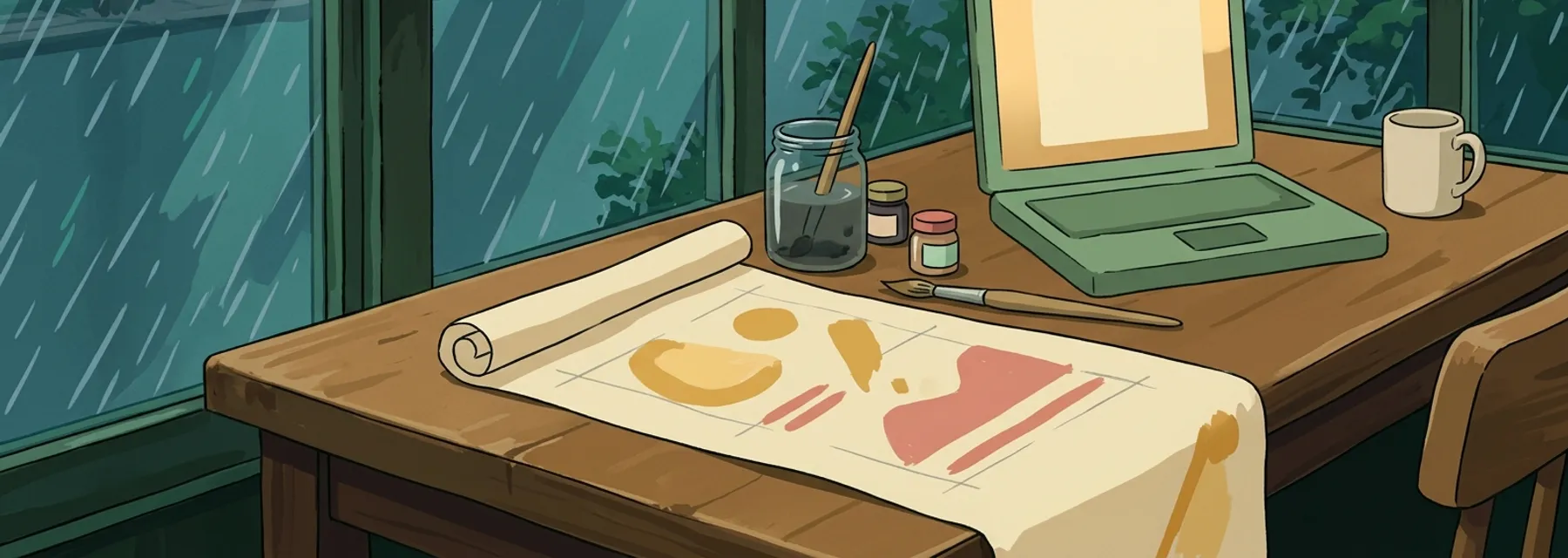
Every post gets a wide, painted banner in a 1990s Studio Ghibli background style: flat colour, very little detail and a muted palette pulled from the old site’s images. They sit behind titles and as thumbnails, so they need to be calm backgrounds rather than eye-catchers.
scripts/cover.mjs generates them with Google’s Gemini image model (gemini-nano-banana-2.1),
at about 3.4 cents per image:
node scripts/cover.mjs "a bowl of berry sorbet scoops" --section food --out berry-sorbetThe prompt is built from parts:
scripts/cover/style.txt: the shared look. Cel-painted style, palette hex codes, things to avoid, and the 21:9 format. This is the part I tuned until it was right, and it’s locked.scripts/cover/food.txtandtech.txt: a scene per section. How detailed objects should be (food as simple blobs, gadgets as plain slabs with blank screens), what each colour is used for, and a list of locations.- The tagline: one short line about this post’s subject.
A location is picked at random for each cover, a seaside café table or a lighthouse radio room say, so
a batch of covers doesn’t all end up on the same kitchen counter. The exact prompt is saved beside the
image, and the tagline plus location go in the post’s cover_prompt field, so any cover can be
regenerated or tweaked later.
Getting the style right took a few rounds. Too soft looked like a storybook, too flat looked like clip art, and too pastel looked washed out. What fixed it was measuring the old covers (average saturation, brightness, dominant hues) and writing those colours into the prompt as hex codes.
What I’d tell someone copying this
- Write the rules down where the AI reads them. A rule that only exists in a chat is gone next session.
- Make the build strict. A validator that fails loudly is what makes it safe to let an agent push.
- Keep the vocabulary closed. Free-form tags from an AI drift fast. A fixed list with descriptions keeps them consistent.
- Store the prompt with the output. Months later, “regenerate this but warmer” is easy when the original prompt is sitting next to the image.